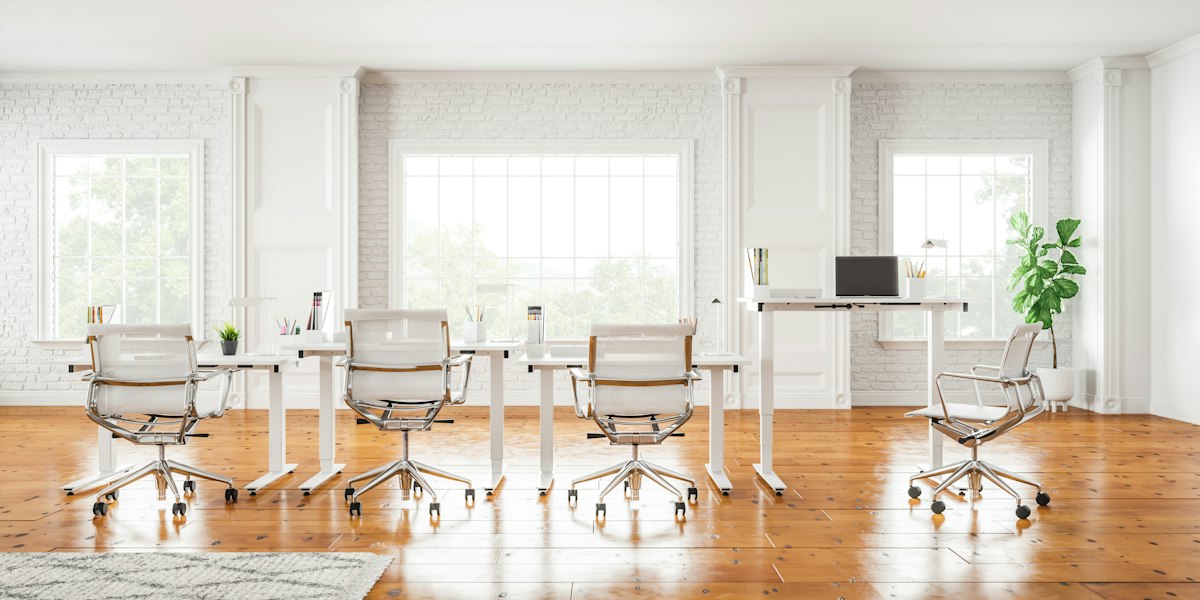
High-Performance Office Room Design for Modern Professionals
The physical space where you work acts as a silent partner in your daily output. It either facilitates deep focus or presents a series of friction points that slowly erode your energy throughout the day. Most people treat their office as an afterthought, throwing a desk into a spare corner and hoping for the best, only to wonder why they feel drained by mid-afternoon.
Effective office room design goes far beyond picking a pretty paint color or a trendy desk. It involves a systematic approach to ergonomics, lighting, acoustics, and environmental psychology. When these elements align, the environment supports cognitive function and reduces the physical strain that often leads to chronic discomfort and burnout.
Related posts
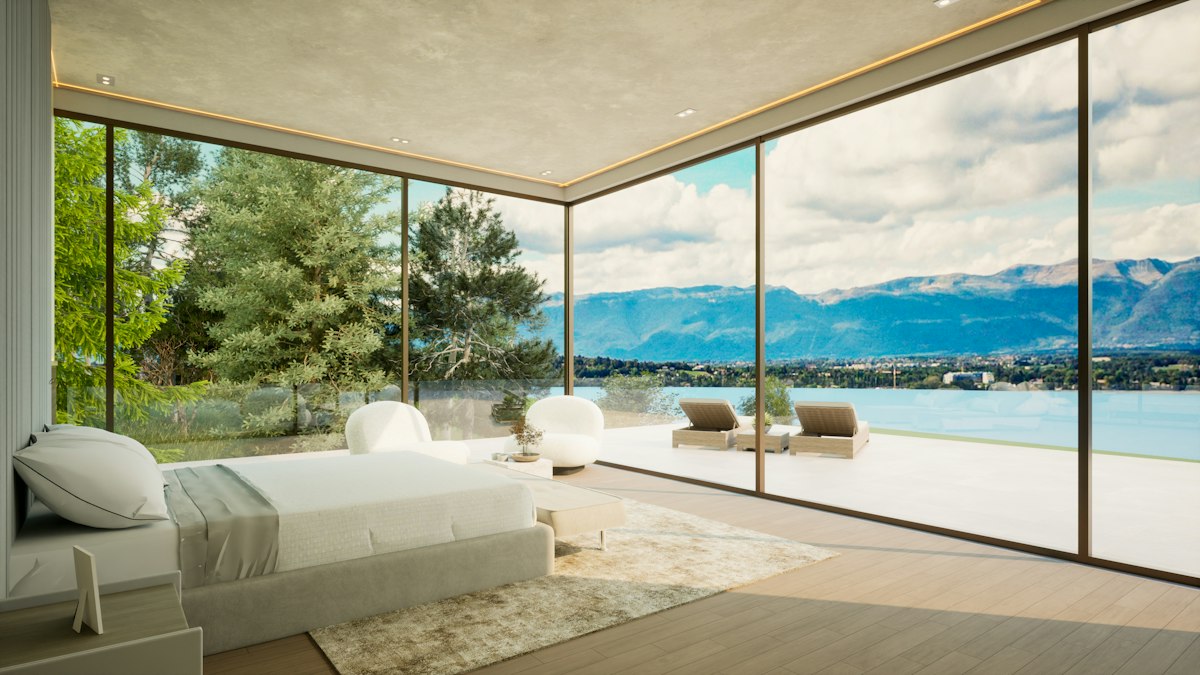
Luxury House Interior Design
True luxury house interior design transcends the simple accumulation of expensive items. It is an intentional practice that...
Read more →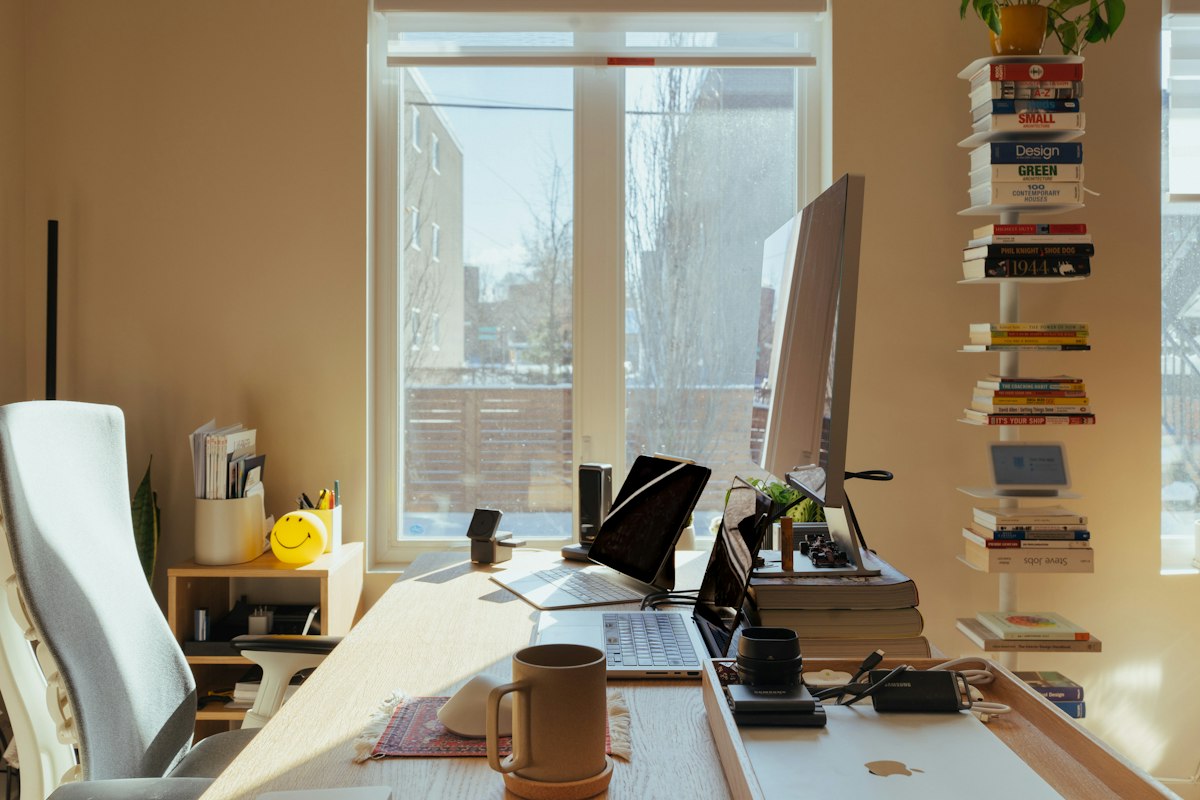
Home Office Interior Design: Professional Strategies for Productive Workspaces
The transition from a corporate cubicle to a residential workspace involves more than just finding a flat surface...
Read more →
Low Budget Small Office Interior Design: Professional Workspace Transformation
Starting a business or managing a small team often means working within tight physical and financial constraints. You...
Read more →
Luxury Home Interior Design
Creating a luxury home interior is far more than a simple exercise in purchasing expensive items. It is...
Read more →This discussion covers the foundational principles of creating a workspace that serves both your professional needs and your long-term well-being. We will explore layout strategies, the impact of environmental factors, and the practicalities of budgeting for a high-quality setup that stands the test of time. Whether you are outfitting a corporate suite or a dedicated home workspace, the goal remains the same: a frictionless experience.
By the end of this analysis, you will understand the specific adjustments that transform a standard room into a high-performance studio. We will look at the ROI of quality furniture, the science of light, and the way spatial organization affects your mental clarity. It is time to stop working against your environment and start making it work for you.
Key takeaways
- Prioritize Ergonomics: Invest in adjustable furniture that supports the natural curvature of the spine and allows for movement throughout the day.
- Optimize Lighting: Combine natural light with layered artificial sources to reduce eye strain and regulate circadian rhythms.
- Define Zones: Separate areas for deep focus, administrative tasks, and relaxation to improve mental transitions.
- Control Acoustics: Use soft materials and sound-dampening tools to minimize distractions and maintain a professional atmosphere for calls.
The Psychology of Space and Productivity
The layout of an office dictates the flow of thought. A cluttered, cramped room often leads to a cluttered, cramped mind. In the realm of office room design, the concept of "prospect and refuge" plays a significant role. Humans tend to feel more secure when they have a clear view of the room (prospect) while having their back protected by a wall or solid surface (refuge). Positioning your desk so you can see the door without being directly in the line of traffic often reduces subconscious stress.
Beyond positioning, the volume of the room matters. High ceilings are frequently associated with creative, abstract thinking, while lower ceilings can help with detail-oriented, analytical tasks. While you cannot always change the architecture of your room, you can use visual cues to alter the perception of space. Vertical shelving and tall floor lamps can draw the eye upward, creating a sense of openness that prevents the room from feeling oppressive during long work sessions.
Ergonomic Fundamentals for Long-Term Health
Ergonomics is the cornerstone of any professional workspace. The goal is to fit the environment to the user, not the other way around. A chair is the most important investment you will make. Look for models that offer adjustable lumbar support, seat depth adjustment, and 4D armrests. The ability to change the height and angle of armrests ensures that your shoulders remain relaxed while typing, preventing the tension headaches that plague many office workers.
The desk is the second pillar. While fixed-height desks are standard, height-adjustable or sit-stand desks have become the industry benchmark for a reason. Alternating between sitting and standing every 30 to 60 minutes improves circulation and engages different muscle groups. When standing, your elbows should be at a 90-degree angle, and your wrists should remain neutral. When sitting, your feet must be flat on the floor or on a footrest to avoid putting pressure on the back of your thighs.
Monitor placement is frequently overlooked but essential for avoiding neck strain. The top third of your screen should be at eye level. If you use a laptop, a dedicated stand and an external keyboard are non-negotiable for long-term health. This setup allows you to keep the screen high while keeping your hands at the correct ergonomic height. These small adjustments prevent the "tech neck" posture that leads to permanent spinal issues over time.
Strategic Lighting and Visual Comfort
Lighting is a fundamental element that affects both mood and biology. Natural light is the gold standard; it boosts serotonin and keeps your internal clock in sync. However, glare on a computer screen can cause significant eye fatigue. Positioning your desk perpendicular to a window is often the best strategy to enjoy the view and the light without the direct glare of the sun hitting your monitor or your eyes.
For artificial lighting, a layered approach is necessary. Avoid relying solely on a single overhead fixture, which creates harsh shadows. Instead, use a combination of ambient, task, and accent lighting. Ambient light provides general illumination, task lighting (like a high-quality desk lamp) focuses on your immediate work area, and accent lighting can be used to highlight bookshelves or art, adding depth to the room.
Pay attention to the color temperature of your bulbs, measured in Kelvins (K). For a productive office room design, bulbs in the 3500K to 4500K range are ideal. This "cool white" light mimics daylight and promotes alertness. Avoid very warm, yellow light (below 3000K) in your primary workspace, as it can induce sleepiness. Conversely, avoid extremely blue light (above 5000K) late in the evening, as it can interfere with your ability to wind down after work.
Color Palettes and Their Impact on Focus
Color theory suggests that different hues trigger specific psychological responses. Blue is widely regarded as the best color for productivity and focus. It is a stable, calming color that helps the mind stay on task. Green is another excellent choice, particularly for those who work long hours, as it is the easiest color on the human eye and evokes a sense of balance and nature.
Yellow can be a double-edged sword. While it is associated with optimism and creativity, excessive use of bright yellow can lead to anxiety or eye strain. It is often better used as an accent color in a creative corner rather than a primary wall color. Neutral tones like greys, off-whites, and beiges provide a sophisticated backdrop that doesn't distract, but they require texture—such as wood grain or woven fabrics—to keep the room from feeling sterile or "institutional."
Defining Zones within the Office Layout
If space allows, dividing your office into functional zones can significantly boost efficiency. The Primary Work Zone is centered around your computer and main desk. This area should be kept clear of everything except the tools you need for your current task. A Reference Zone might include filing cabinets or bookshelves, keeping physical documents within reach but off your main work surface.
A Decompression Zone is a luxury that pays dividends in high-stress roles. This could be a simple armchair in the corner or a small area with a rug and a side table. Having a place to sit that isn't your desk allows you to read, brainstorm, or take a break without leaving the room. This mental separation helps your brain recognize that "at the desk" means "deep work," while "in the chair" means "reflection or rest."
Storage and Organization Systems
The "paperless office" is still a myth for many. Effective storage is what prevents a beautiful office room design from devolving into a chaotic mess. Vertical storage is the most efficient use of space, especially in smaller rooms. Floating shelves or tall bookcases provide ample room for resources without eating up valuable floor real estate.
Closed storage is generally preferred over open shelving for a cleaner look. Cabinets with doors allow you to hide the visual noise of binders, cables, and office supplies. For the items you use daily, use desktop organizers or drawer dividers. The goal is to ensure that every item has a dedicated "home." When everything has a place, cleaning up at the end of the day takes minutes, ensuring you start the next morning with a fresh, inviting space.
Integrating Biophilic Elements
Biophilic design—the practice of connecting human environments to the natural world—has been shown to reduce stress and increase productivity by up to 15%. The simplest way to achieve this is through indoor plants. Species like Snake Plants, Pothos, and ZZ Plants are excellent for offices because they require minimal maintenance and can thrive in various lighting conditions. They also help improve air quality by filtering out common indoor pollutants.
Beyond plants, you can incorporate natural materials like wood, stone, and wool. A solid wood desk provides a tactile, grounding experience that synthetic materials cannot match. Even the use of natural patterns in rugs or artwork can have a soothing effect. These elements soften the hard edges of technology and make the office feel like a more human-centric space.
Commercial Considerations and Budgeting
When planning your office room design, it is important to distinguish between "expenses" and "investments." A high-end ergonomic chair that costs $1,000 may seem expensive, but if it lasts 12 years and prevents back surgery or chronic physical therapy, the ROI is immense. Conversely, spending thousands on aesthetic-only decor while using a cheap, non-adjustable chair is a common mistake that leads to long-term dissatisfaction.
For those on a budget, prioritize the "touch points"—the items you interact with most. Spend the bulk of your budget on a quality chair and a sturdy desk. Secondary items like guest seating, decorative lighting, and shelving can be sourced from mid-range retailers or even second-hand markets. In a commercial or corporate setting, durability and ease of cleaning become major factors, as furniture will face much higher wear and tear than in a home environment.
FAQ
What is the ideal square footage for a home office?
While you can fit a desk into a 25-square-foot nook, a comfortable, dedicated office usually requires at least 70 to 100 square feet. This allows for a standard desk, an ergonomic chair, some storage, and enough clearance to move around without feeling boxed in. If you plan to host clients, you will likely need 150 square feet or more to accommodate guest seating.
Which color promotes the highest level of concentration?
Soft blues and teals are widely considered the best for concentration. They lower the heart rate and provide a sense of calm that is conducive to deep, focused work. If your work is more high-energy or requires frequent brainstorming, adding accents of orange or red can provide the necessary stimulation without being overwhelming.
Are standing desks worth the investment?
Yes, for most professionals. The primary benefit of a standing desk isn't just standing; it is the ability to change positions. Static posture is the enemy of spinal health. An electric sit-stand desk makes the transition effortless, increasing the likelihood that you will actually use the feature. If a full desk is too expensive, a desktop converter is a viable entry-level alternative.
How can I soundproof a home office on a budget?
Soundproofing doesn't always require tearing down walls. You can significantly reduce noise by adding soft surfaces. Heavy blackout curtains, thick area rugs with pads, and upholstered furniture all absorb sound. For a more targeted approach, acoustic foam panels or felt wall tiles can be placed on the wall reflecting the most sound, which is usually the one directly behind your monitor.
How do I handle cable management in a clean design?
Cable management is the difference between a professional look and a messy one. Use under-desk cable trays to hold power strips and excess cord lengths. Cable sleeves can group multiple wires together into a single neat line, and adhesive clips can run cords down desk legs so they remain out of sight. Many modern desks come with built-in grommets and channels specifically for this purpose.
Conclusion
A successful office room design is a balance of science and personal preference. By focusing on the fundamentals of ergonomics, lighting, and spatial organization, you create a foundation that supports your best work. Remember that a workspace is never truly finished; it should evolve as your needs change. Start with the high-impact items like your chair and lighting, and then refine the aesthetics over time. Investing in your environment is, ultimately, an investment in your own professional longevity and daily well-being. Take the time to audit your current setup today and identify the one change that will have the biggest impact on your comfort and focus.